
Free tools for people who print things.
URUFA Labs designs, prints and builds software for makers. Start with Layer Painter: turn any picture into a multi-color layered print, ready to send to your printer.
Layer Painter
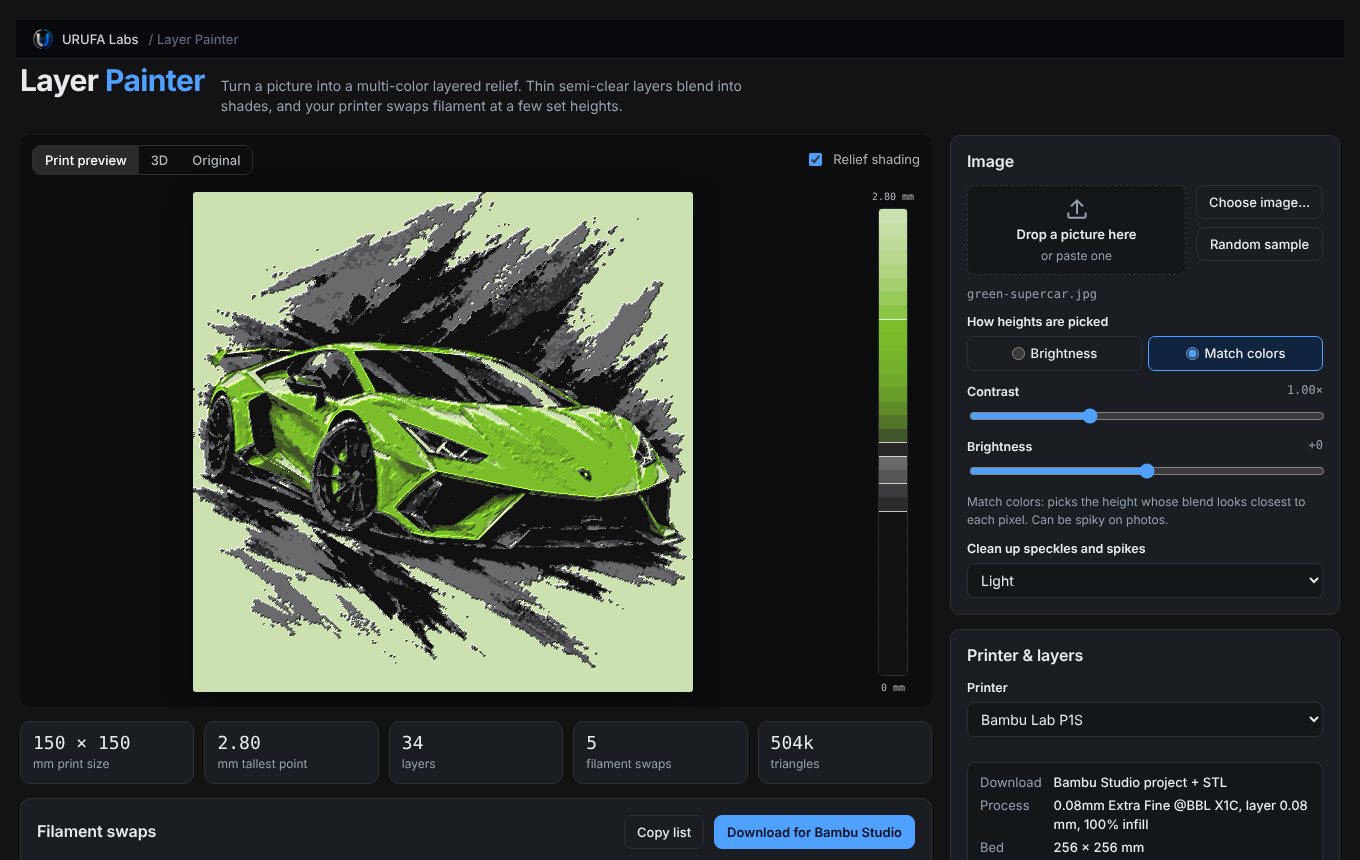
Pictures become thin color reliefs. Each filament is slightly see-through, so a few layers of one color over another blend into new shades. The printer only changes filament three or four times.
Load a picture
Drop in a photo or artwork. Bold art and portraits with a few related colors work best.
Set your filaments
Pick colors from the picture or from your own spools, and see the result in 2D and 3D as you go.
Download and print
Get a Bambu Studio project with every filament change already placed, or an STL and swap list for any printer.
Color made from thickness
A layered color print starts with a dark base. Each lighter filament goes on top, a few 0.08 mm layers at a time. Where the print is thin, the dark shows through. Where it's tall, the top color wins.
How fast a filament hides what's below is its TD, or transmission distance. A red with a TD of 1.5 mm covers black in about 18 layers. A white with a TD of 3.5 mm needs more than twice that. Layer Painter uses those numbers to work out how tall every spot of your picture should be.
Sample stack at 0.08 mm layers, 2.4 mm tall. Each line is one layer.
Ready for your printer
Layer Painter builds a complete Bambu Studio project for every single-nozzle Bambu Lab printer. Everything else gets an STL and a list of where to change filament.
Not affiliated with Bambu Lab. Printer profiles come from Bambu Studio's open-source project.

A small lab that prints things
URUFA Labs is a small design and 3D printing lab. We design printable things, test them on our own printers, and share the tools we build along the way.
Layer Painter is the first of those tools. More are on the way.